Status ribbon
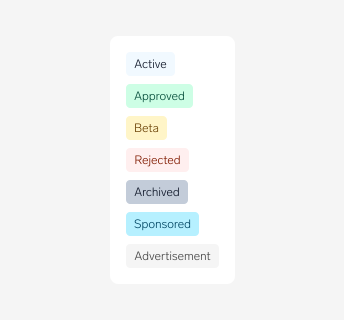
Status ribbon is a type of badge, and is for showing a small amount of color-categorized metadata. They're ideal for getting a user's attention.
Anatomy
Options
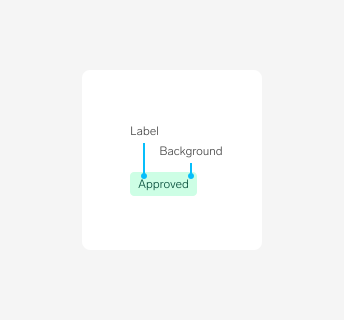
Label
Badges should always have a label for accessibility and clear comprehension.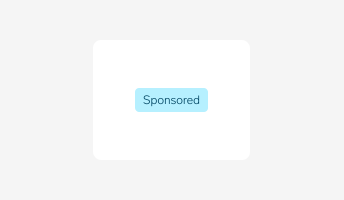
Variants
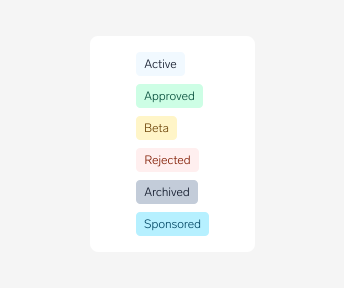
Badges come in 6 colors to represent different types of information. Use these variants to communicate the following statuses:- Default
- Success
- Warning
- Error
- Sponsored
- Disabled
Types of information
We have three types of information:
Status of an ad
- "Aktiv", "Inaktiv", "Solgt", "Slettet"...
- These should use the status ribbon component, while the two types below can be shown in another way.
Mark advertisements/paid placemet
- "Ukens bolig", "Annonse"
FINN informs
- "Visning i dag", "kommer for salg"
Disabled
A badge in a disabled state shows that it exists, but is not available in that circumstance. This can be used to maintain layout continuity and communicate that a badge may become available later. Badges should only be able to be disabled if they are interactive.
Usage guidelines
Do
Do use status ribbons in a users list of their ads, since that list will be a mix of ads with many different statuses.
Don't
- Do not use a status ribbon to show that an ad is active on a results page. The majority of these ads are active so only show status on ads that are not active.