Search
A search field is used to quickly find the content you are looking for. Providing the user with suggestions based on recent searches and autocomplete will improve their user experience.
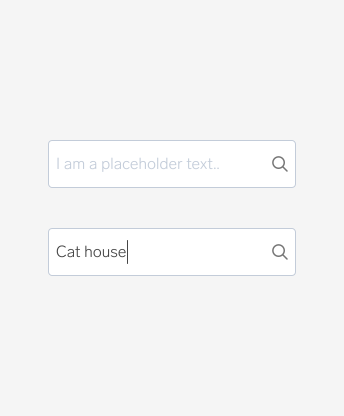
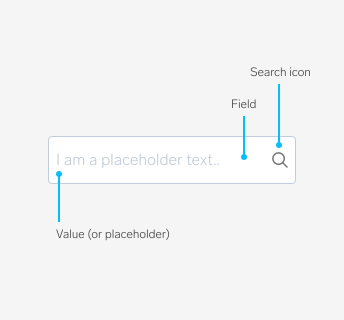
A search field does not need a label, but should contain a text hint/placeholder text and a search-icon at the right end of the input field.
Anatomy
Auto complete text fields
These text fields are often used in search fields to present suggestions in real time or auto completion of words in a dropdown. This is for users to enter information/search more accurately and efficiently. It is especially useful for those with writing difficulties, when using a language you are not 100% comfortable with or you are unsure of the spelling.
Best practice
Do
- Use placeholder text to describe what the user can search for, for example "Search for car or cats" or "Search in your ads"
- Use auto complete suggestions to help the user to search faster
- Separate different categories in the auto complete suggestions
Don't
- Do not show too many auto complete results, it will seem overwhelming to the user
- Do not let the search field be empty (before the user has typed anything)
- Do not use long or vague placeholder texts, the placeholder text is supposed to make it easier for the user